Empowering 100 women to show what they do, in their own flair, on a website of their own

A two-and-a-half-hour, hands-on online workshop where every woman builds and deploys a live website that explains what she offers and lets visitors reach her, and leaves knowing she can keep improving it on her own.

Aya

Aya
Lead trainer

Women in Clode
Event organiser

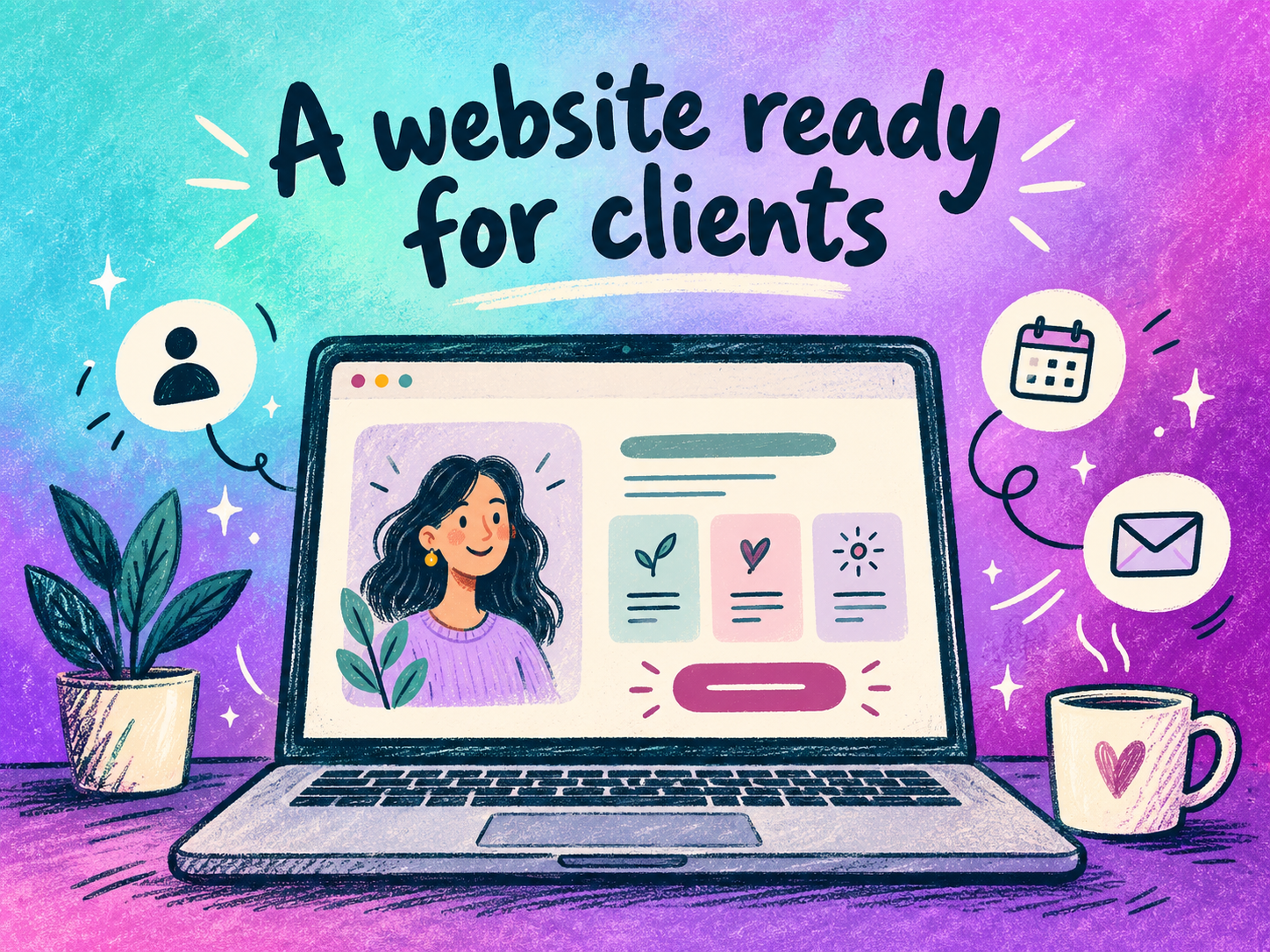
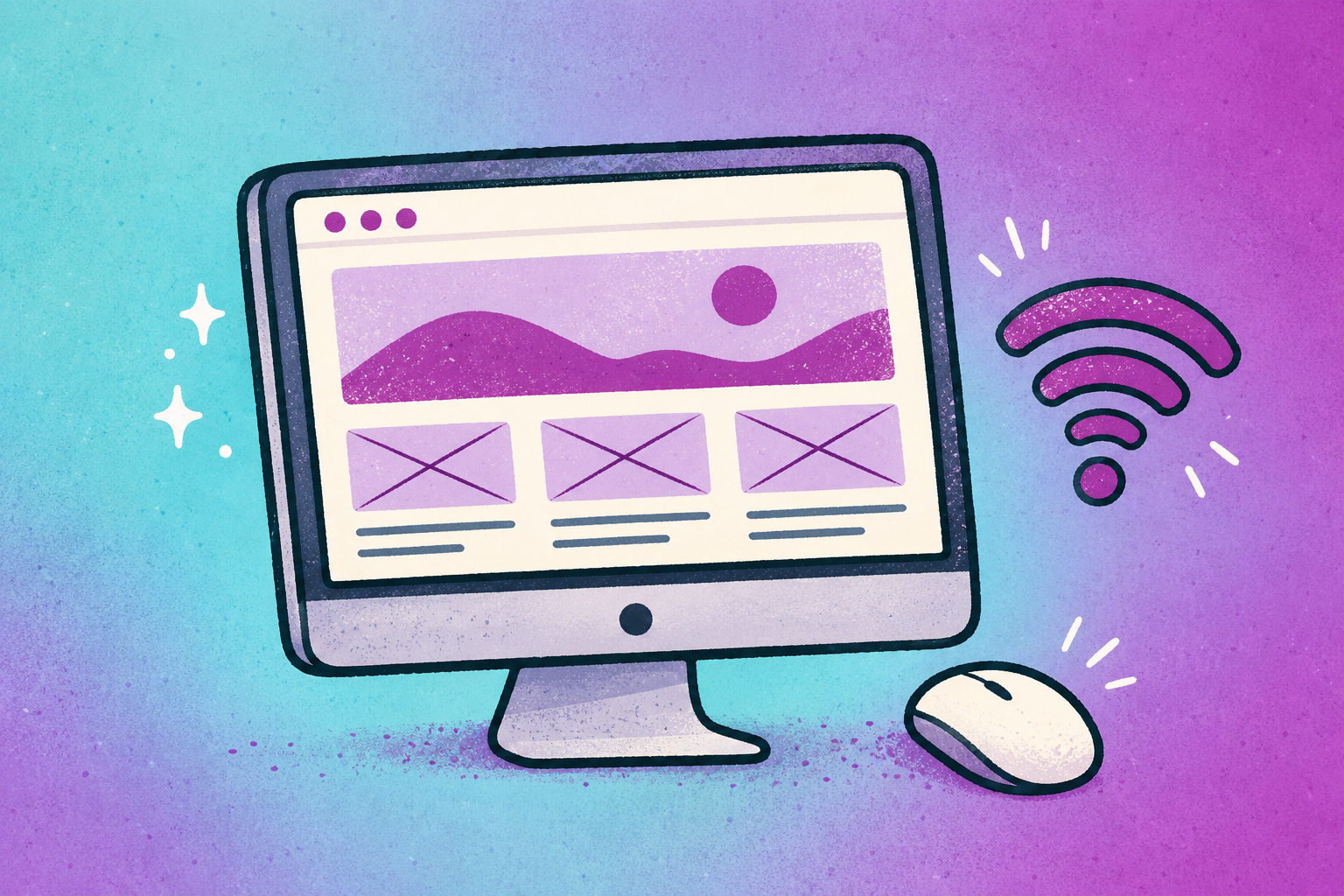
Illustration of a personal website with a profile photo, highlight cards, and a contact button, ready to share with clients

What success looks like.

At least 80 of the 100 women submit a live website, during the session or within 48 hours after, that people can find and contact them through. Each leaves with the confidence to keep improving it long after the workshop ends.

Meet Aya, your instructor.

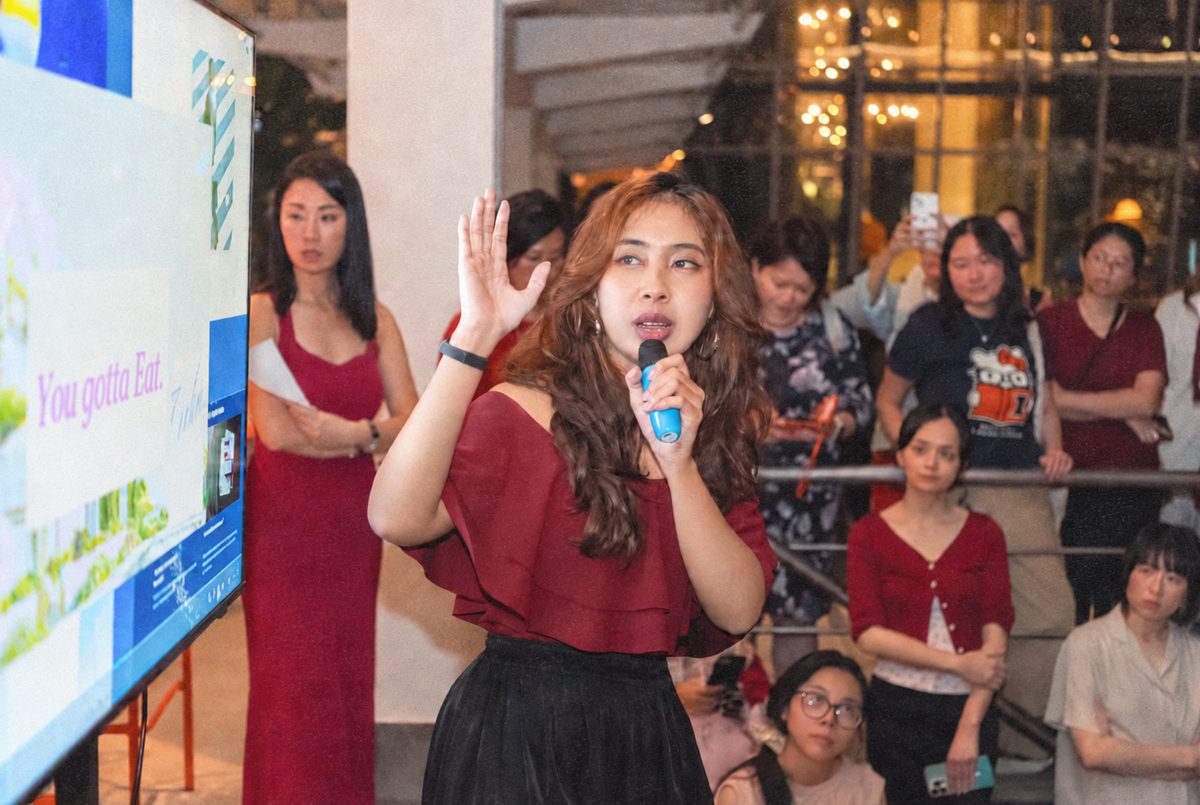
Aya is a product designer with over four years of experience across healthcare, finance, real estate and education. She turns complex work into tools people trust, including a healthcare solution that received a national health innovation award.

She designs and builds with AI tools, and teaches others to do the same. She leads hands-on workshops and talks for Singapore’s design community, teaches UX to international students and takes part in public-good hackathons. In her sessions, everyone leaves with practical knowledge they carry beyond the session.

Teams she has designed with

CapitaLand Singapore Management University OceanX Education OCBC YCH Tan Tock Seng Hospital Sengkang General Hospital KK Women’s and Children’s Hospital

What

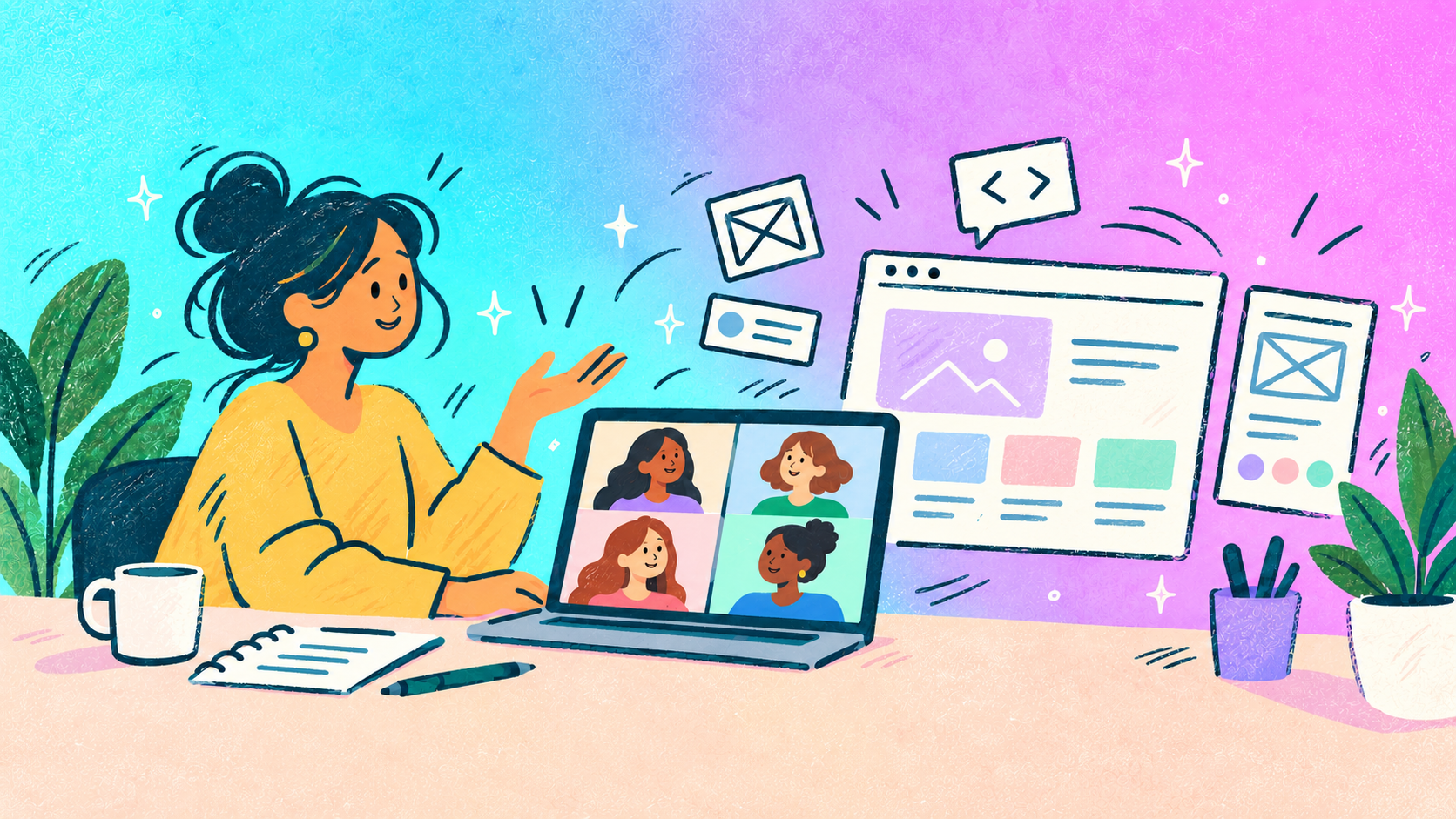
An online workshop where Aya guides 100 women through designing, building, and hosting a website of their own, using Kimi AI.

Illustration of a woman on a video call with website and mobile design elements floating around her

Who it’s for

Up to 100 women in Singapore who want an online presence they can point people to from their socials. No technical background or AI experience needed.

Illustration of four women with different skills: photography, baking, plant care, and writing

What she leaves with

Not just a site, but one with a working contact page, either a booking calendar or a WhatsApp link, so anyone interested in her services can reach her right away.

Illustration of a personal website with a WhatsApp contact button, next to calendar and WhatsApp icons

What it takes to run this.

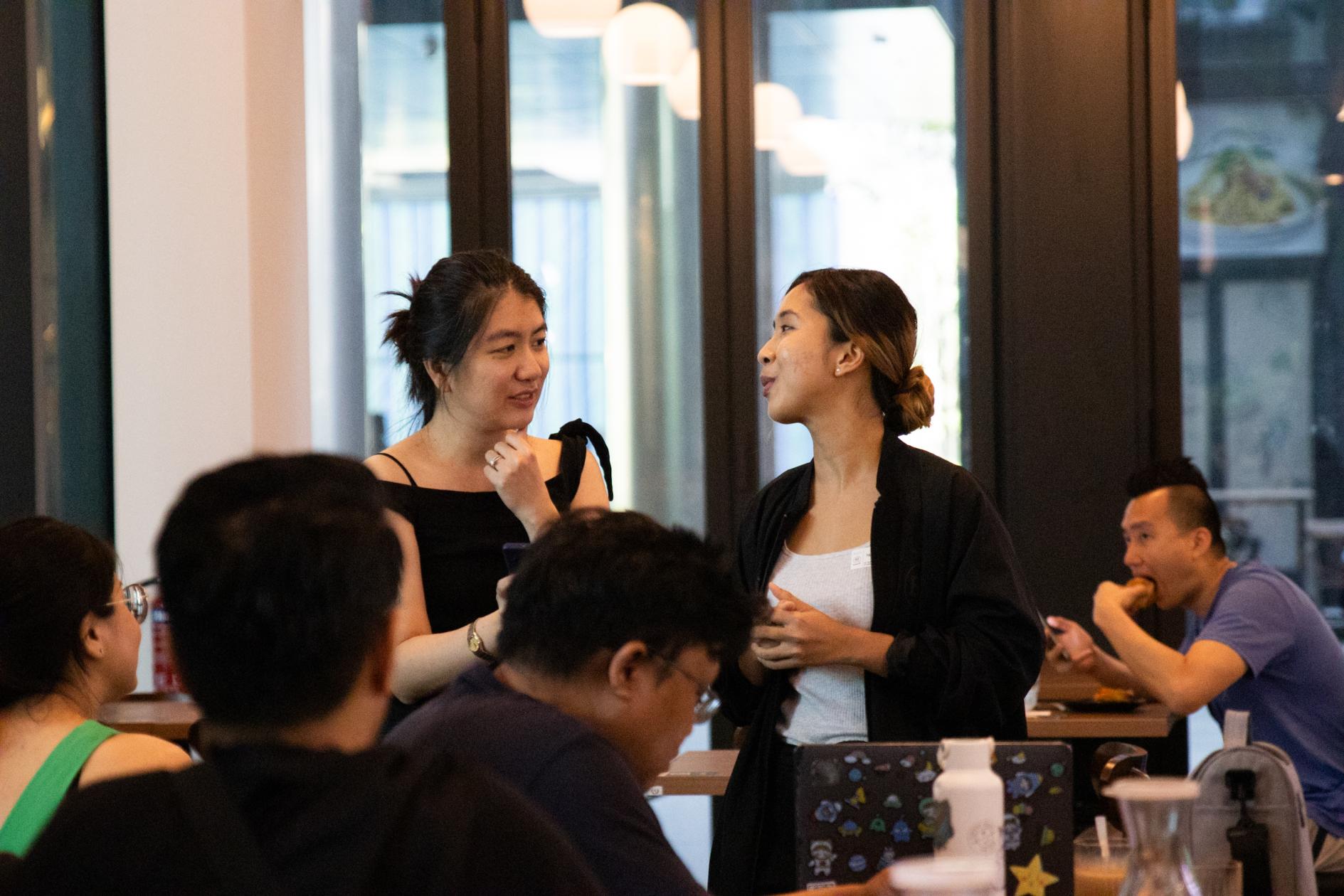
Runs live on Zoom so it’s easy to join from anywhere. Ten facilitators run breakout groups and two admins handle the call.

Format

Online, on Zoom

A laptop and a stable internet connection are required for every participant to follow along and build in real time.

Requirements

Desktop + working internet

A short setup guide and account checklist will be shared a few days before the workshop so everyone hits the ground running.

Pre-work

Materials shared ahead of time

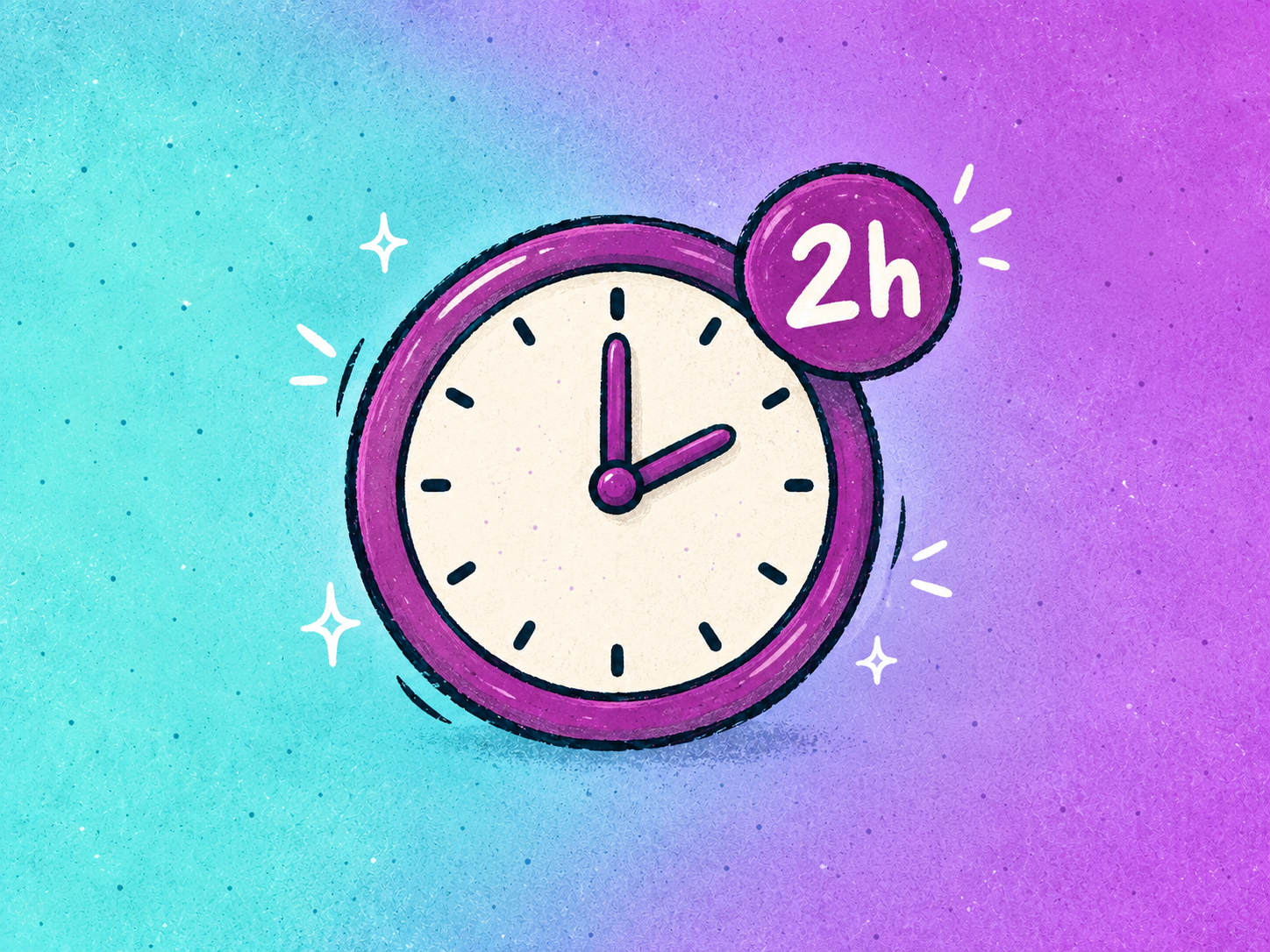
Long enough to go from a blank page to a structured, near-launch site.

Duration

2.5 hours, 26 Nov, 7.30pm to 10.00pm

How the two-and-a-half hours break down.

Welcome and getting set up with Kimi AI

The session opens with a welcome and a quick setup check, so every participant has Kimi AI open and ready. Aya then shows how to give it clear instructions, how it turns those instructions into a website, and how to steer its responses during the build. This is a guided website-building workshop, not a coding lesson.

Deciding what each website needs to say

Before any visual decisions, participants clarify what their site needs to communicate: who they help, what they offer, what makes their work worth choosing and what visitors should do next. Each woman maps out her essential content and sketches a simple page structure, including a clear Contact Us page or section.

Finding a visual direction that fits their work


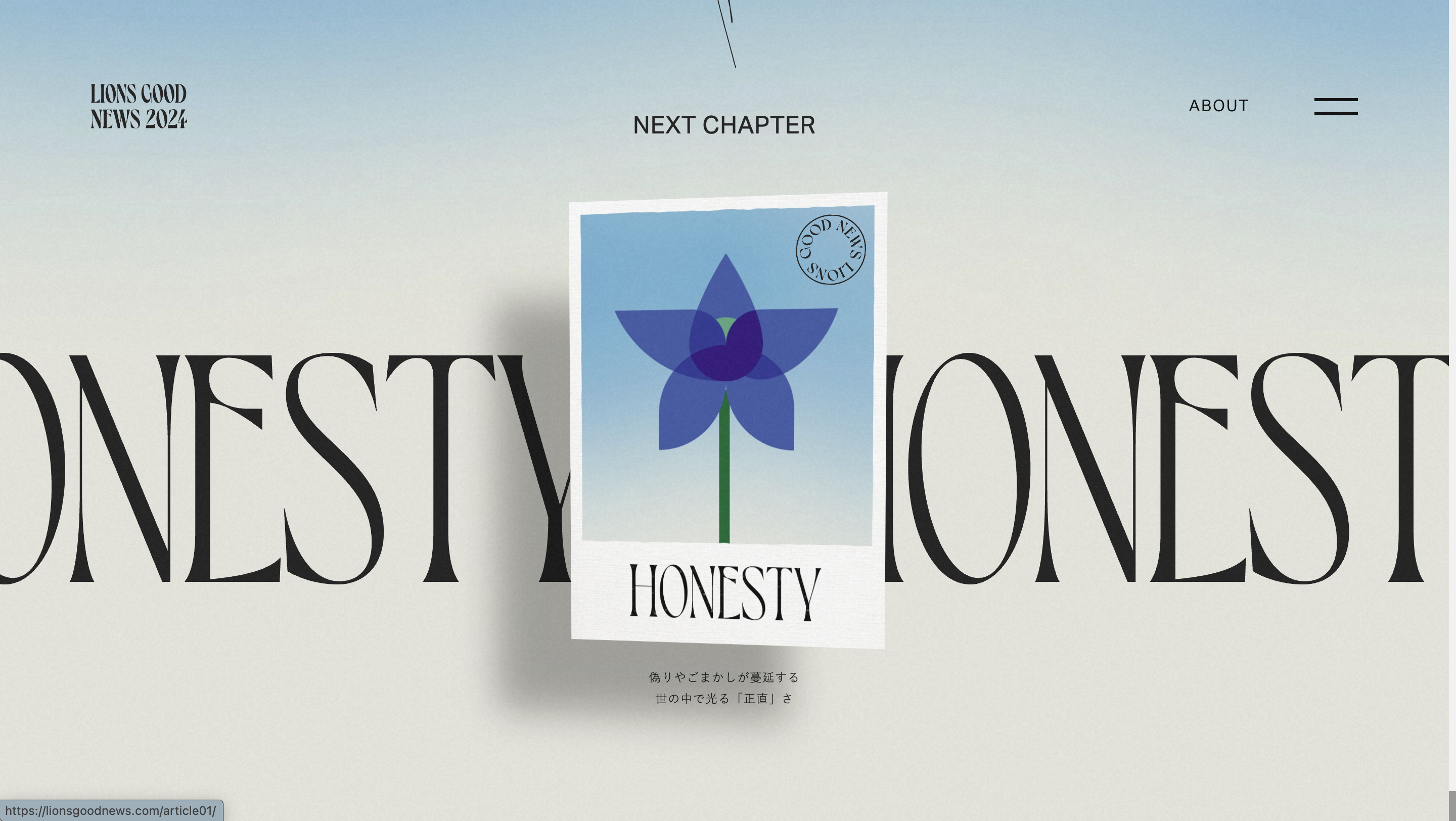
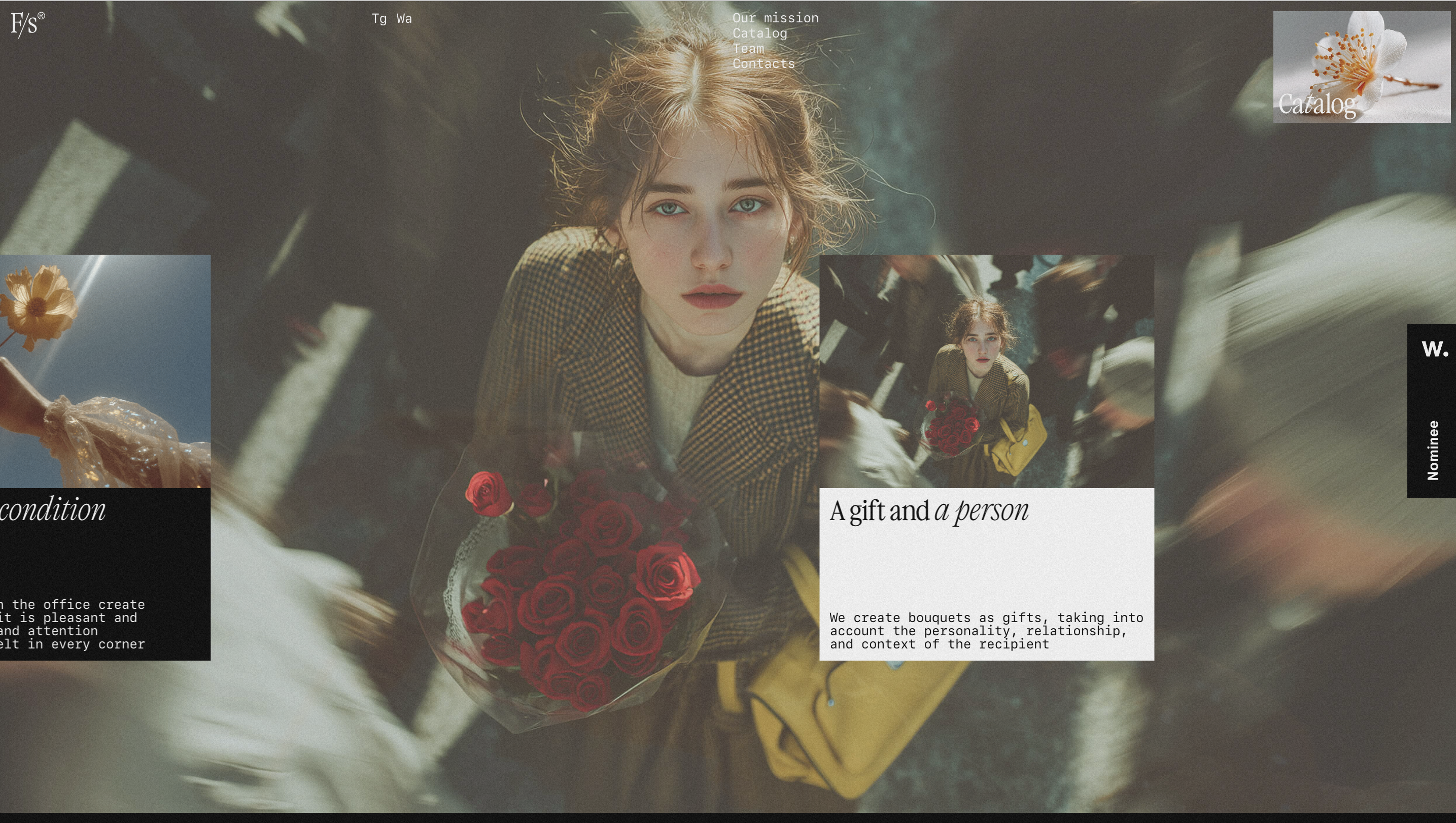
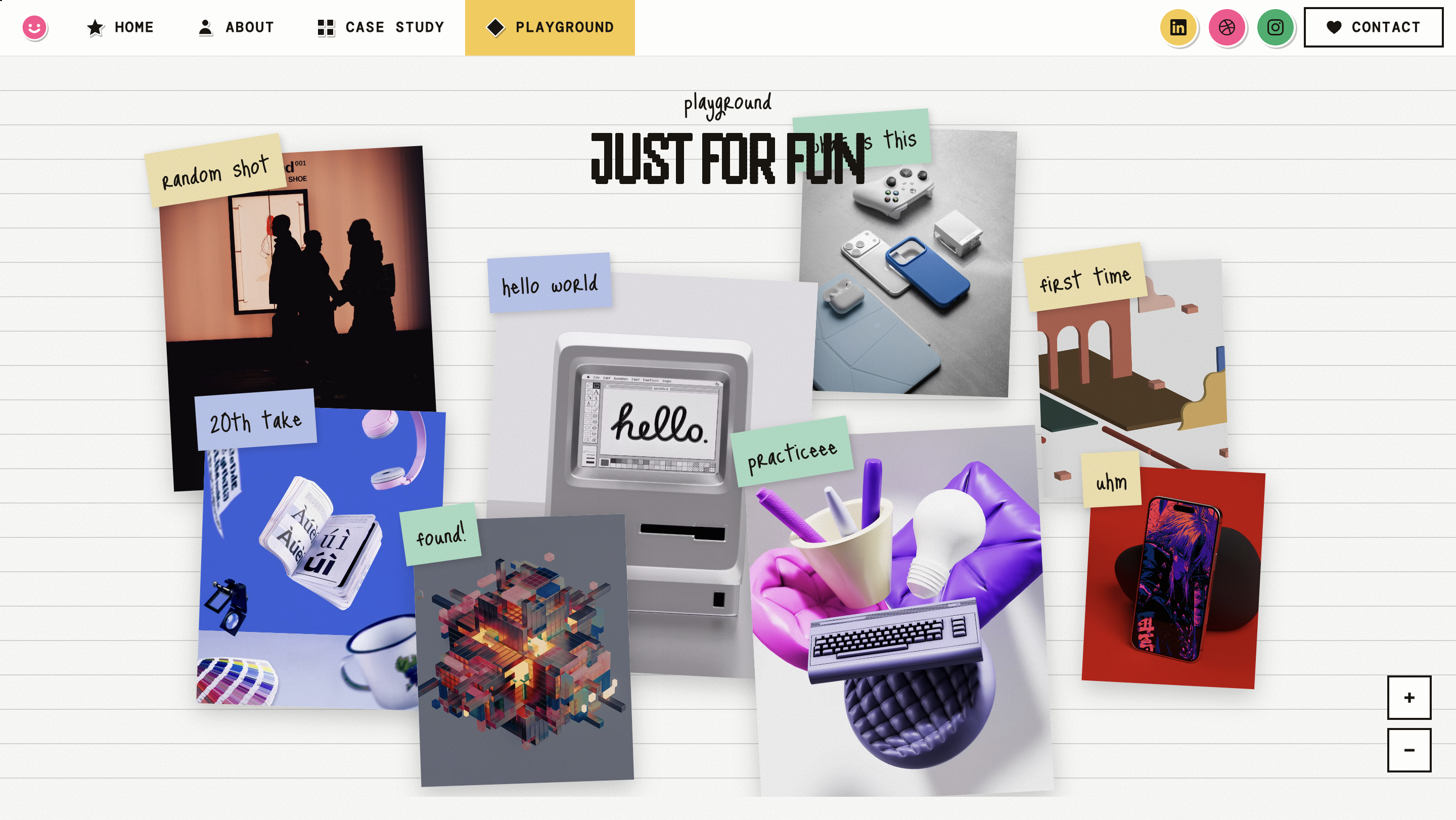
With audience, offer and structure in place, participants explore how visual choices support their message, using a curated set of references (Motion.dev, UIverse, Wall of Portfolios, Hyperframe and Motionsites) to study layout, colour, typography and interaction. Each participant selects the ideas that suit her work and turns them into visual direction for Kimi AI.

Motion.dev
Uiverse
Wall of Portfolios
Hyperframe
Motionsites

Building each website in breakout groups

Aya leads the guided build with prompt templates, then participants move into breakout groups to build and refine their own sites. Ten facilitators, briefed beforehand on the same steps, help each group add service information, shape the layout and fix anything that gets stuck.

Sharing work with peers

Back in the main room, selected participants share their websites and what they chose to say about their work. Seeing peers’ results gives everyone ideas for their own next round of changes.

Publishing, submitting and wrapping up

Each participant publishes her site, checks it on mobile, tests her contact option and submits the link. Anyone not finished has 48 hours to submit. The session closes with a live wrap-up: a checklist for future updates and guidance on how to keep improving her site after the workshop.
100 women, a website each, and skills they carry beyond the workshop.