01 / Uncovering the struggle
Why junior podiatrists freeze in the clinic.
Creating a meaningful product requires the aim to solve a problem, or create an opportunity. I put on my inquisitive hat and got the interviews going.
Conditions on a chance basis. Podiatrists can't predict which foot conditions they'll confront in practice, so some stay unfamiliar no matter how experienced a podiatrist is.
Fear of the unfamiliar. Trainees can study a condition through textbooks and papers, but meeting it on a real patient is a completely different challenge.
Lost confidence mid-screening. Without that familiarity, junior podiatrists struggle to think clearly about what to do during the screening itself.
The fix wasn't more reading. It was realistic, repeatable exposure to conditions a trainee hadn't personally faced yet — and a safe place to lose confidence before it matters.
02 / Going deeper
Segmenting the SOP to find every assessment point.
Based on interviews and the reference documents I was given, I mapped how a typical clinic session actually unfolds.
Each segment — Assessment, Foot Risk Classification, and Education — has a distinct purpose and leans on real clinical judgement to carry out. Understanding where decisions are made in that flow was the first step toward designing interactions around them.
03 / From objectives to interactions
Mapping learning objectives to VR interactions.
After understanding each segment, the next step was identifying the decision points and learning objectives that should shape the interaction design — one of the biggest challenges in designing an effective VR simulation.
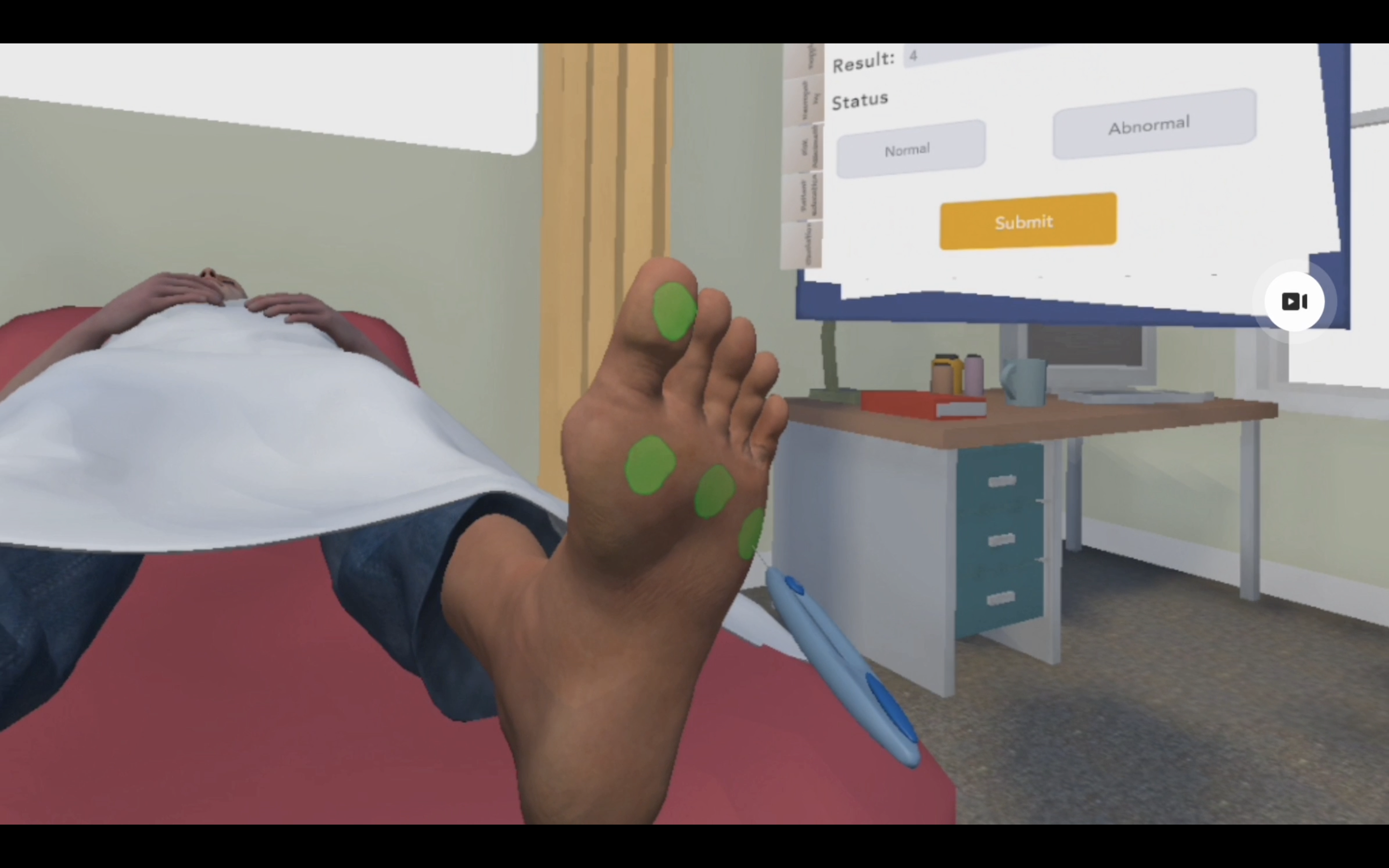
During clinical sessions, junior podiatrists must learn where to conduct the pedal pulse and monofilament tests, and how much pressure the monofilament needs before it buckles.
Locations
Where on the foot to test, and where sensation typically breaks down first.
Conditions
What a condition looks like, by reading the foot's appearance alongside the patient's medical history.
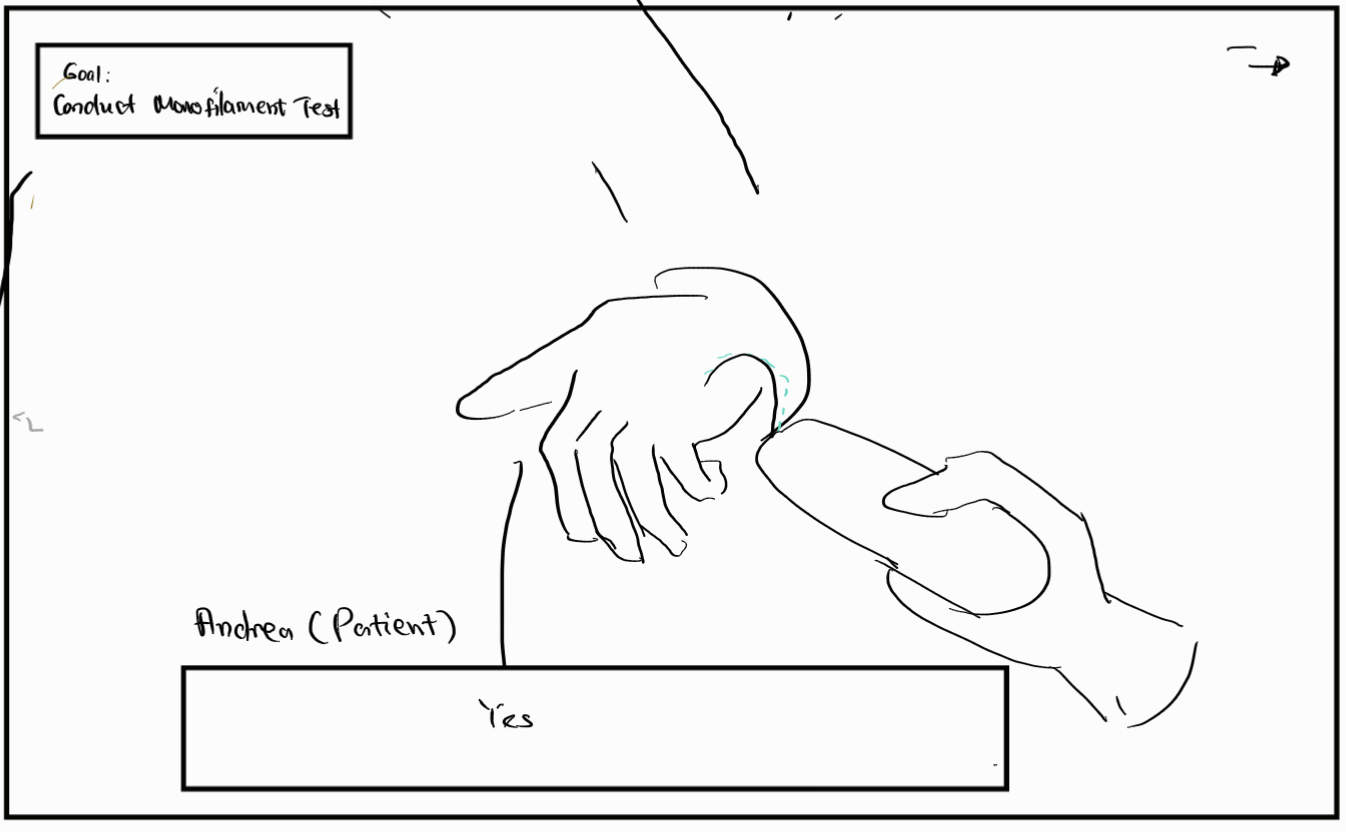
To communicate the interaction concepts and how each learning outcome should surface in VR, I sketched a low-fidelity storyboard before any build work began.
04 / Design features that assist the experience
Feedback the player can feel, see, and hear.
One drawback of VR as a simulation platform is the lack of tactile feedback — players interact with controllers in the air rather than physical objects that push back.
To address this, I designed multi-sensory feedback to signal task completion. During the monofilament test, the controller vibrates, the tested area lights up, and the senior podiatrist gives verbal guidance if the player selects an incorrect spot.
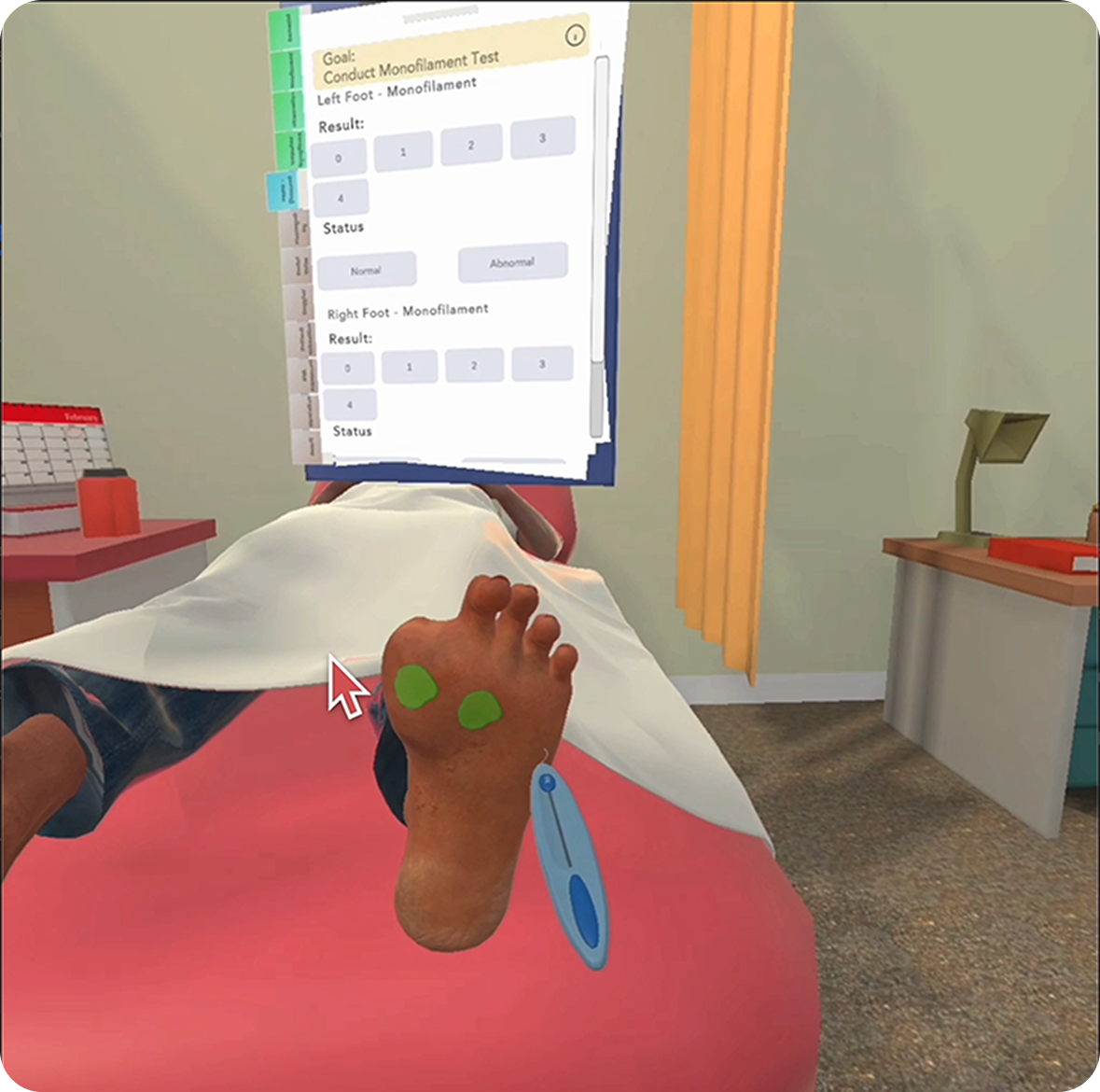
Rather than one long report at the end of the session, I designed immediate feedback into every assessment point. Getting it wrong is corrected on the spot, which improves retention far more than a summary read after the fact.
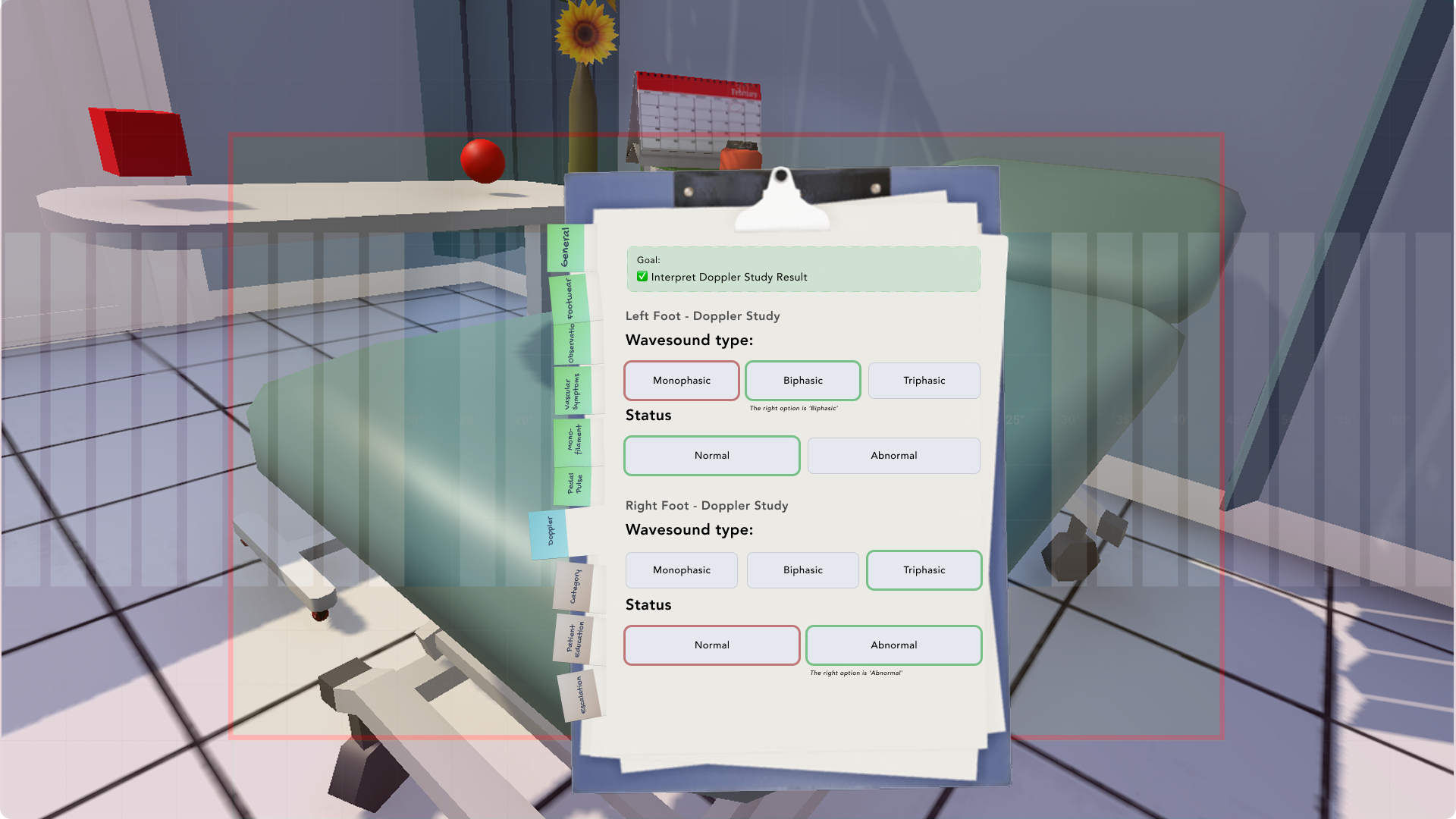
I also placed simple guides at every junction of the interaction: from toggling the case file at the start of a session, to reading what each selection colour means. Guidance is delivered contextually, right before the player needs it, rather than all at once — critical for anyone new to a VR headset.
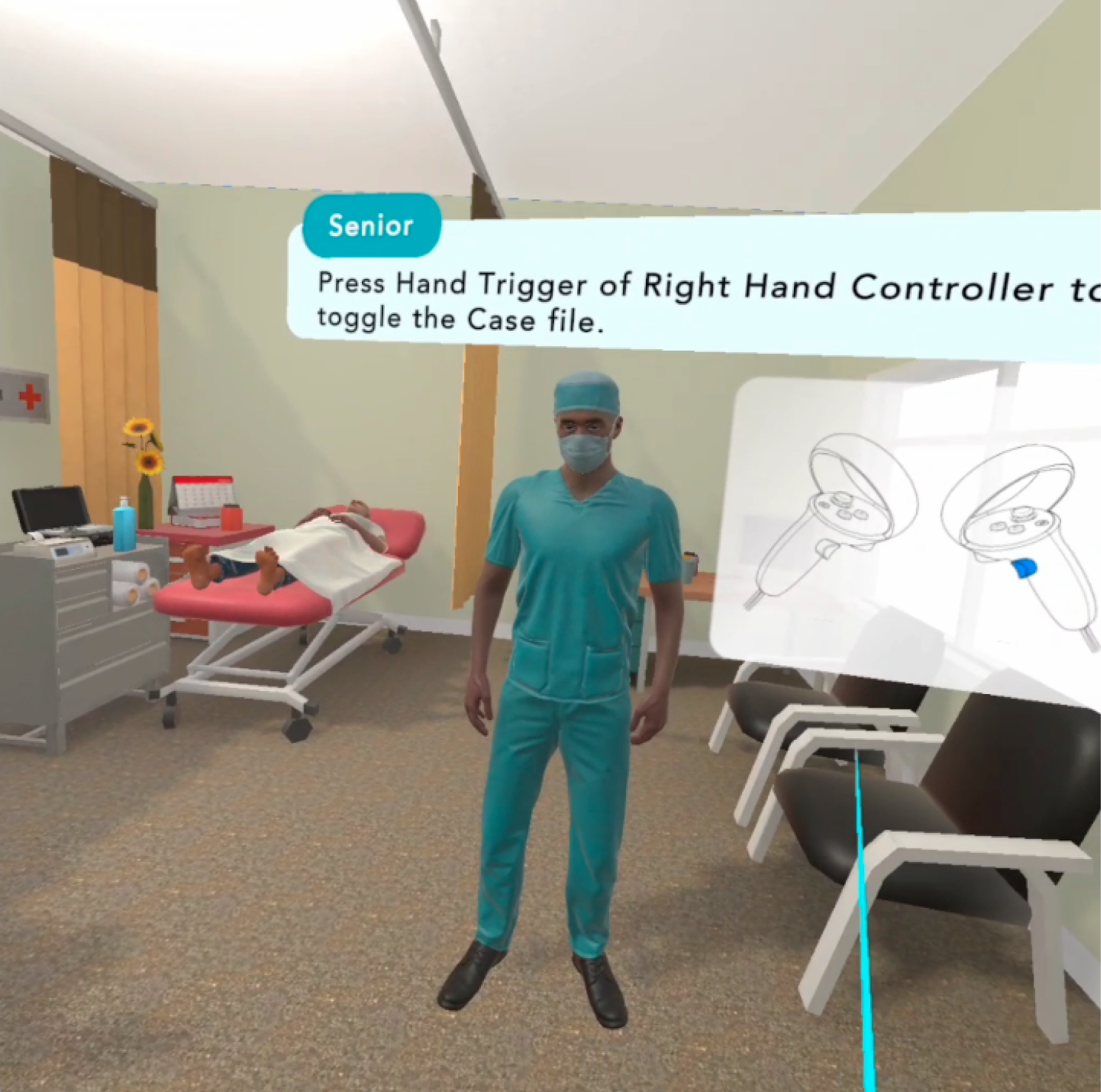
The cases I see in virtual reality are very real, and it is also a complete medical consultation process. If I feel that I need more practice, I can repeat it over and over again.
Li Minting
05 / Sharing testing insights
Bringing what I learned back to the design community.
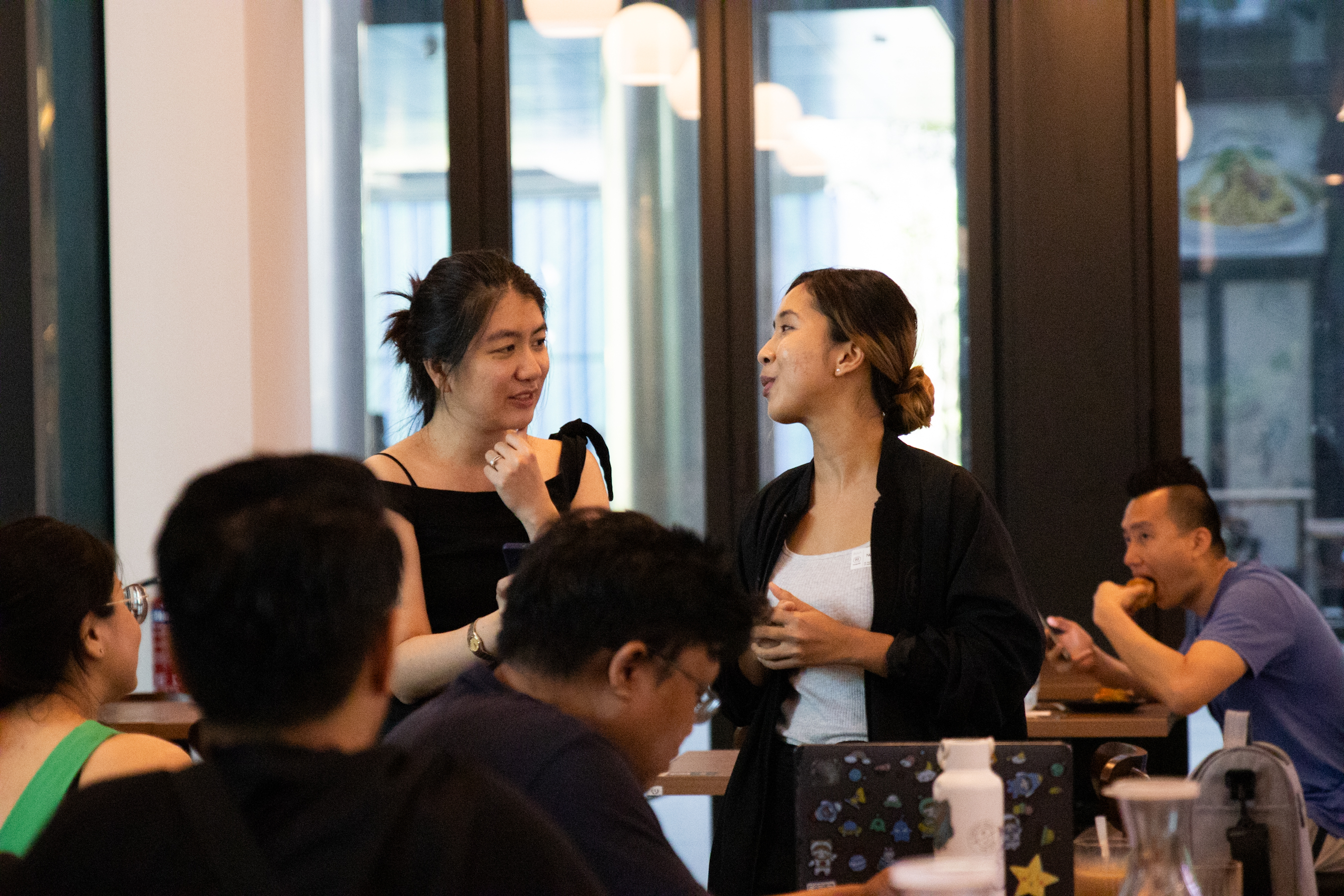
Beyond the design decisions above, testing this simulation surfaced insights on placing elements for user comfort and gaze flow. As an active member of the design community, I shared these at one of DesignSG's meet-ups.
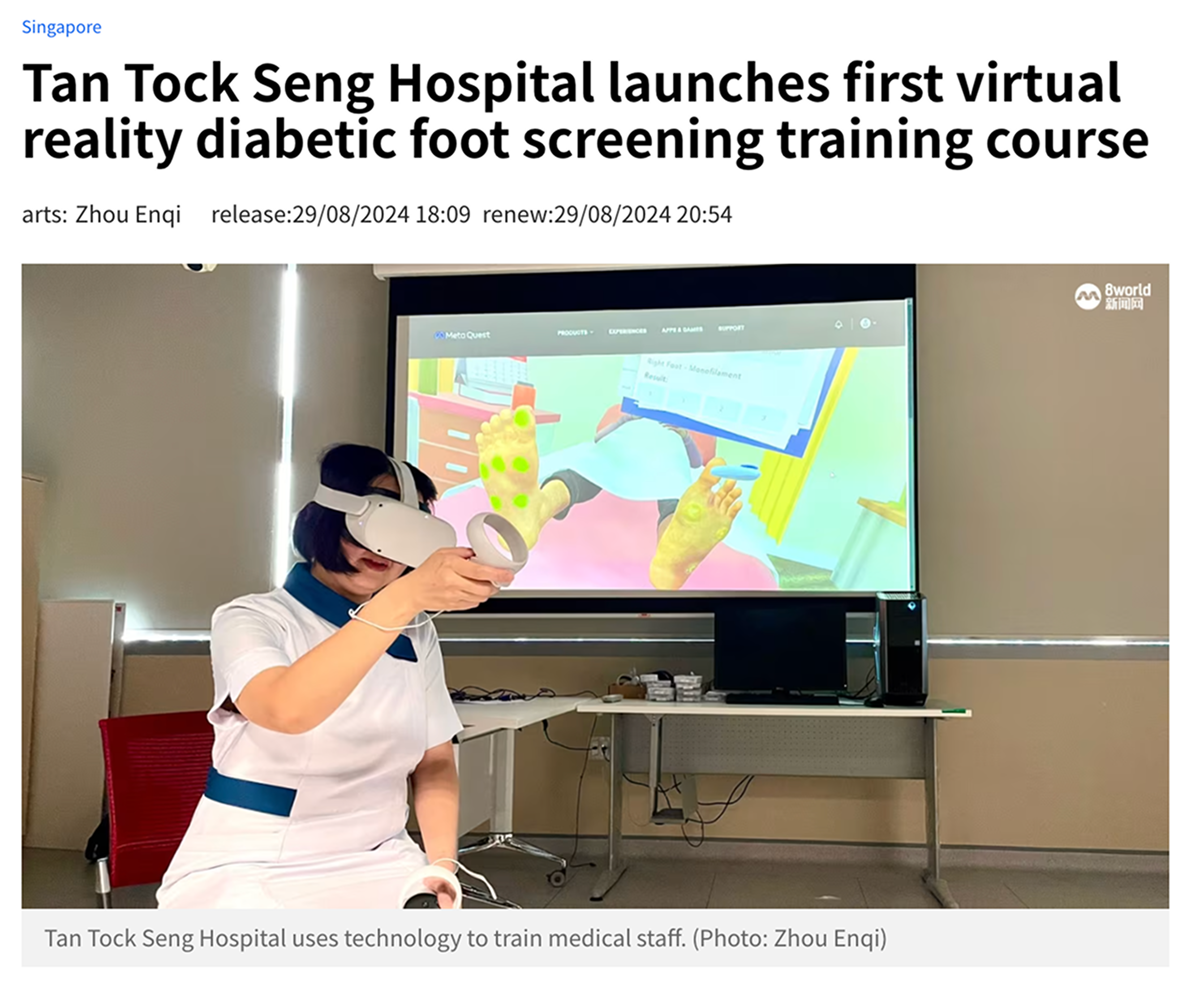
The simulation itself also reached a wider audience: Tan Tock Seng Hospital's rollout was covered as Singapore's first VR diabetic foot screening training course.
06 / Reflection
What this project was really about.
I was excited to finally explore how the UX principles I'd built up could apply to a VR experience. Before development, I mapped the actual flow of a clinical consultation onto interactions in the simulation, and leaned on sketching to communicate the early ideas to the client.
What stuck with me most: understanding the current flow and the user's mental model is necessary, but it never guarantees usability on its own. Only testing with real podiatrists — and watching where they hesitated, mis-tapped, or lost their place — actually validated the design.
That's the judgment this work represents: not just mapping a process correctly, but confirming it holds up in someone else's hands.